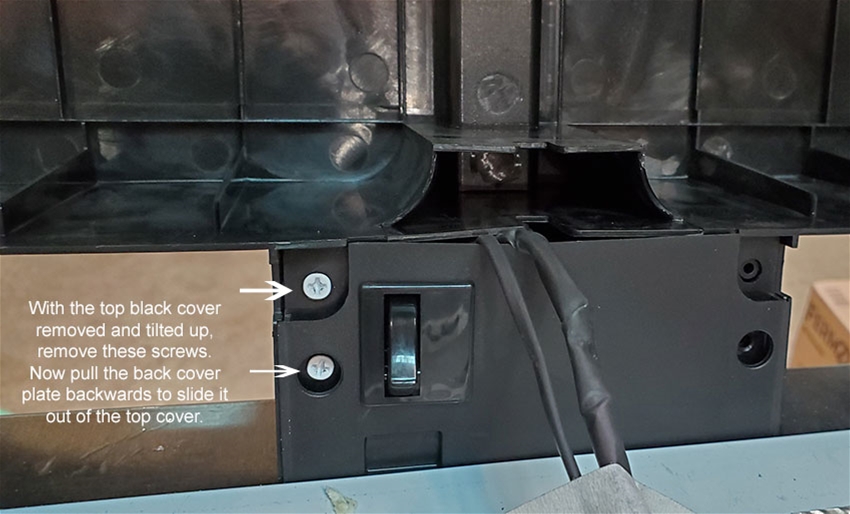
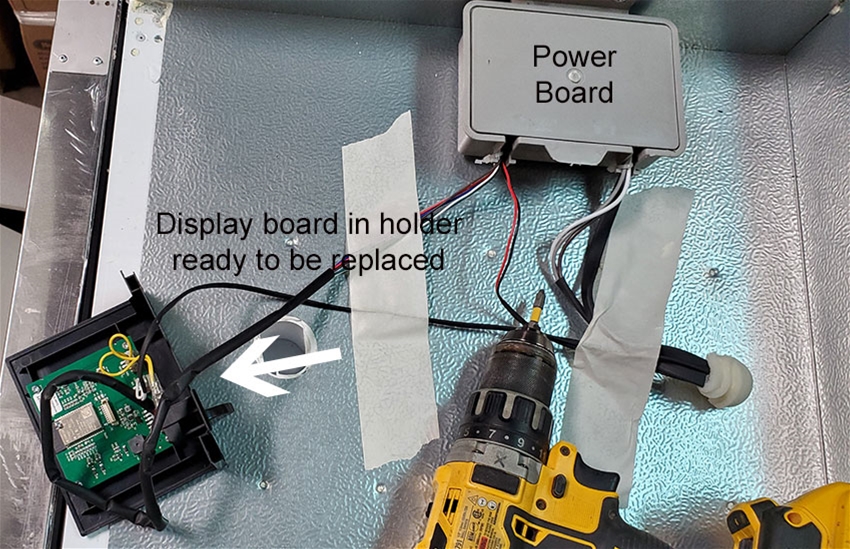
Replacement control board with color screen for the RAPT Fermentation chamber. See the note below about refreshing the firmware before buying this.
Click here for installation instructions.
Note, if you screen is frozen or garbled, you may not need a new board!
If you get a screen that is frozen or has a garbled display, it could be corrupted firmware which is easy to fix.
Just hold down all 4 buttons on the display while you power cycle the chamber to get into recovery mode.
While in recovery mode:
1. Connect to wifi
2. Do OTA update
If this does not fix it, try "rollback last OTA update" and reset.

You can be the first one to write a review.


Jan 18, 2026 by Freddy Calero
Q: I have a RAPT Fermentation Chamber, Model KL18258 (115VAC / 60Hz). My unit frequently boots with a black screen after power outages and goes offline in RAPT Cloud (cannot receive SET commands). Can you confirm this replacement board is the correct Screen/Control Board for KL18258 115V?
A: First try making sure the firmware has not been corrupted. Try this procedure: Just hold down all 4 buttons on the display while you power cycle the chamber to get into recovery mode. While in recovery mode: 1. Connect to wifi 2. Do OTA update If this does not fix it, try "rollback last OTA update" and reset. If this does not fix it, yes, this is the correct 110 volt board.